Free Quotation Templates
Create professional price quotations in minutes. Add your logo, line items, and tax — then download a polished PDF. Free, no sign-up required for standard templates.
Create Your Free QuotationNo sign-up required · Download PDF instantly · 8 professional templates
Choose Your Quotation Template
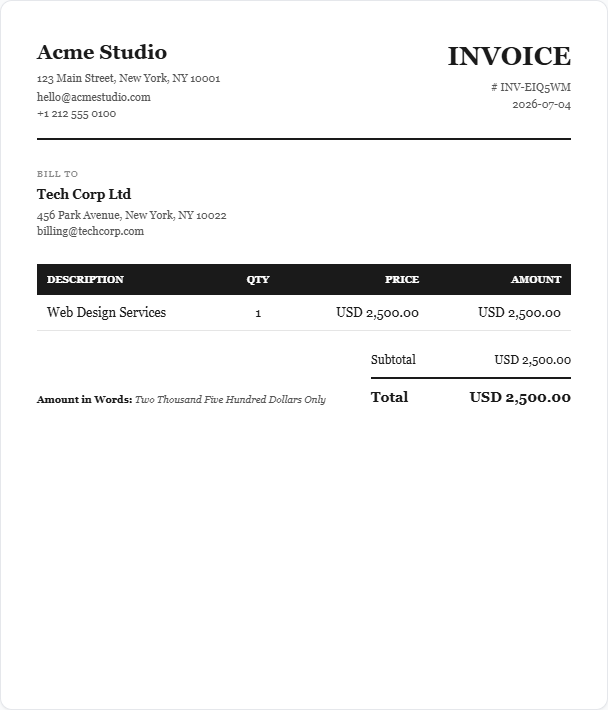
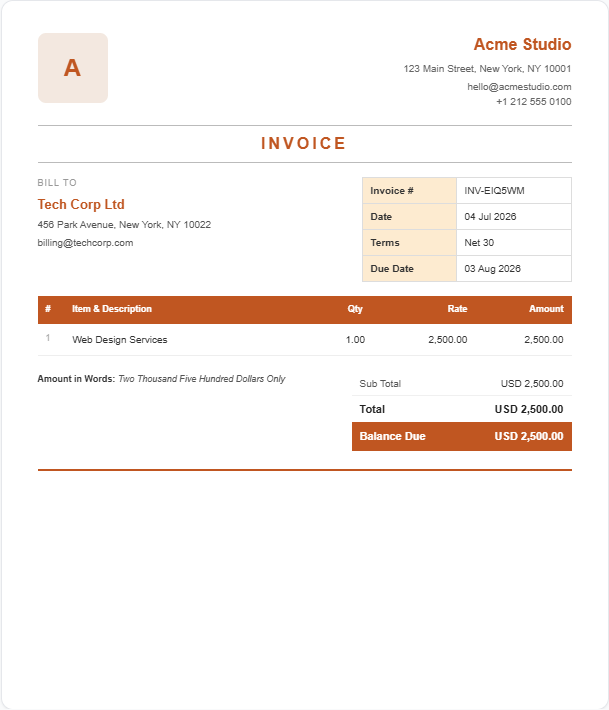
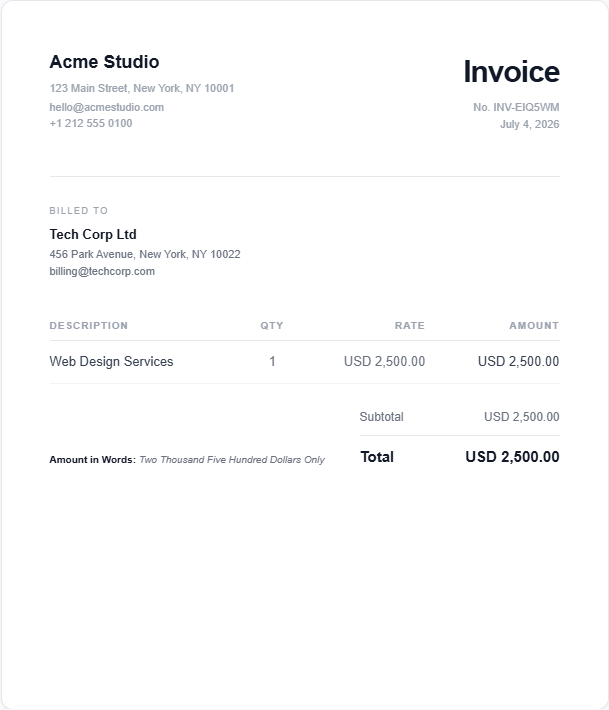
All templates work for quotations — pick a design that matches your brand.


Create Your Quotation
Fill in your details below and download your PDF quotation instantly.
Your Business Details
How It Works
Add your details
Enter your business info, client name, and line items.
Choose a template
Pick from 8 professional designs. Switch anytime.
Download PDF
Click download. A print-ready quotation PDF is generated instantly.
Everything You Need in a Quotation Template
What Is a Quotation?
A quotation (also called a price quote or estimate) is a formal document sent to a potential client that outlines the cost of goods or services before any work begins. Unlike an invoice — which demands payment after work is complete — a quotation is an offer that the client can accept, negotiate, or decline. Once accepted, it creates a mutual understanding of scope and pricing.
What Should a Quotation Include?
- Your business name, logo, and contact details
- Client's name and contact information
- Unique quotation number (e.g. QUO-0001)
- Quotation date and valid-until date
- Itemised list of products or services with quantity, unit rate, and line total
- Subtotal, applicable taxes (GST, VAT, etc.), and grand total
- Terms and conditions (payment terms, delivery, validity period)
- Authorised signature or stamp
Quotation vs Invoice — Key Differences
| Quotation | Invoice | |
|---|---|---|
| Sent when | Before work begins | After work is complete |
| Purpose | Price offer to client | Request for payment |
| Binding? | Only when accepted | Yes — legally binding |
| Numbered | Quote No. (QUO-) | Invoice No. (INV-) |
| Expiry | Valid Until date | Due Date |
Who Uses Quotation Templates?
Freelancers, contractors, consultants, agencies, tradespeople, and small businesses all use quotations to give clients clear price expectations before a project starts. A professional quotation builds trust and reduces misunderstandings about scope and cost.
Frequently Asked Questions
Is this quotation template really free?
Yes, completely free. Create your quotation and download it as a PDF with no cost, no subscription, and no credit card. Standard templates download instantly with no sign-up. Pro templates are free with a quick account.
What is the difference between a quotation and an invoice?
A quotation is a price offer sent to a client before work begins — it is not a request for payment. An invoice is issued after the work is complete and requests payment. A quotation becomes binding only when the client accepts it.
What should a quotation include?
A professional quotation should include: your business name and contact details, the client's name and address, a unique quote number, the quote date, a valid-until date, itemised services or products with quantities and rates, applicable taxes, the total amount, and your terms and conditions.
Can I add my logo and company details?
Yes. You can upload your business logo and it will appear on the quotation PDF. All your business details — name, address, email, phone — are fully customisable.
Can I customise the quotation template design?
Choose from 8 professional templates: Classic, Modern, Minimal, and 5 Pro designs (Golden, Crimson, Corporate, Sidebar, Wave). Switch templates at any time — your data stays in place.
What currencies and tax formats are supported?
Multiple currencies are supported including USD, GBP, EUR, AUD, CAD, INR, and more. Tax types include standard percentage, GST, and IGST.
How do I convert a quotation to an invoice?
Once your client accepts the quotation, create a new invoice using the same details in our free invoice generator. In a future update we will add one-click quote-to-invoice conversion.
Do I need to create an account?
No account needed for standard templates. Create a free account only if you want to use Pro templates or save your quotation history.
Related Templates
Invoice Templates
Browse all 8 professional invoice designs for completed work.
Freelance Invoice Template
For freelancers billing clients for services, projects, or hourly work.
Contractor Invoice Template
For labour, materials, and contract work with a professional invoice.
Consulting Invoice Template
For hourly consulting, strategy sessions, or project-based work.
Ready to Create Your Quotation?
Join thousands of freelancers and small businesses. Always free.
Create Quotation — Free